

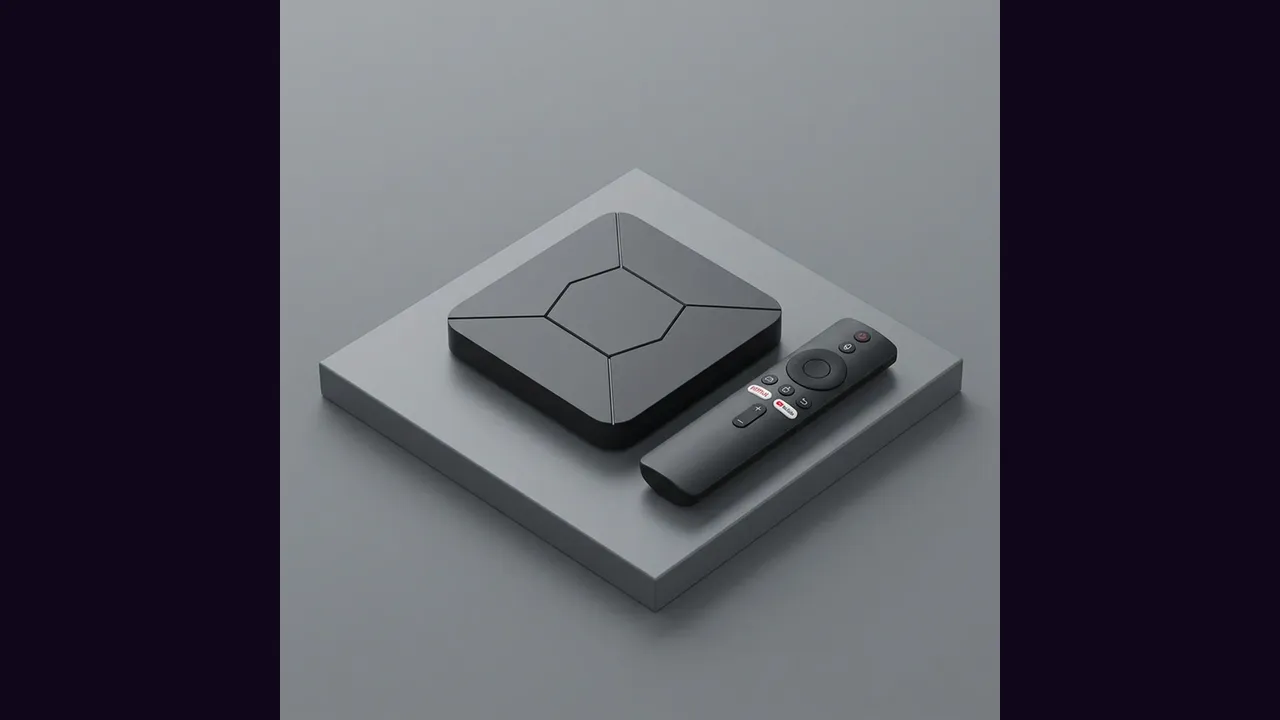
A TV box is the cheapest route to Eleph TV app on a big screen, and it rescues televisions that cannot run the app themselves. Samsung Tizen and LG webOS sets, which the app does not support directly, both gain a compatible screen through an HDMI box.
Pick and Connect the Box
Any Android TV box with the Google Play Store will do, and the box needs only three things: an HDMI port on the television, Wi-Fi or a network cable, and a power socket. Connect it, switch the television to that HDMI input, and finish the box first setup.
A wired network connection beats Wi-Fi for live sport if the router is nearby. If it is not, put the box where the Wi-Fi is strongest, not where it looks tidiest.
Install the App on the Box
Install the app file on the box, open it from the apps menu, and register from the Profile screen. The television remote habits carry over: the app is built for directional buttons, not touch.
The Downloader route for boxes is covered step by step in the Eleph TV Downloader code guide.
Keep It Tidy
Keep the box remote in one place and teach the household the input button first. Half of all living room support calls are really input button calls.
The stick alternative is Eleph TV on Firestick, and the current file status is on the download page.