

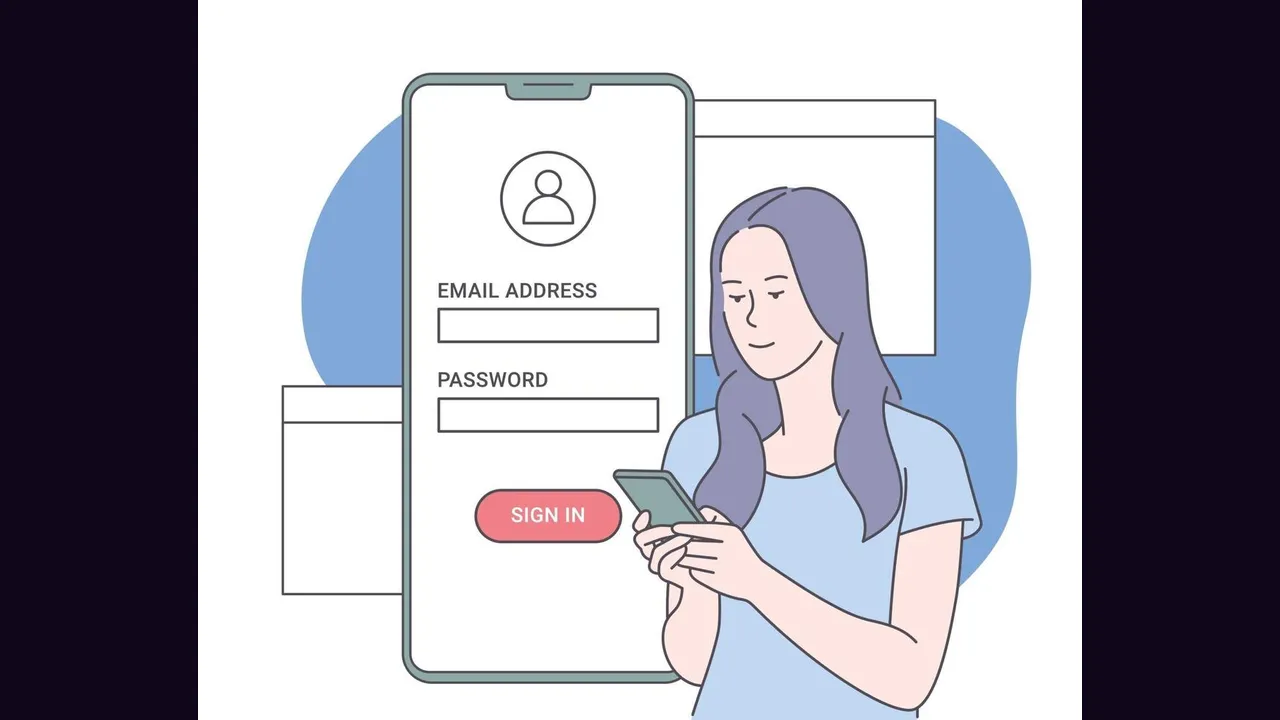
Registration is the gate to everything on Eleph TV app, including the seven day free VIP trial, and it takes under two minutes when the verification code arrives promptly. The steps below are the ones the maker itself publishes.
Open Profile and Register
Open the app and select Profile on the home screen. Tap Register in the upper right corner, then choose to register using your email address or your phone number.
Enter your information and tap Get Code. A verification code is sent to the email or number you gave, and it is the only thing standing between you and the trial.
Enter the Verification Code
Enter the verification code you received, then tap Confirm to complete registration. If the code does not arrive, check the spam folder for email, or wait a minute and request it again for phone.
Use an email or number you actually control. Account recovery, plan notices and code delivery all go to that address, and a throwaway address makes all three fail.
Confirm the Trial Started
After confirmation, check the subscription page in the app: the free VIP trial should show there. If it does not, close the app fully and reopen it before worrying, because a stale screen is the usual false alarm.
The code companion is the Eleph TV activation code guide, and the plans companion is Eleph TV subscription plans.