

An Eleph TV activation code is the sixteen character key that unlocks a plan, and it is redeemed inside the app, not on a website. The process is short, but it has one strict rule: every character matters, so type it exactly as printed. The Eleph TV download site file status is separate from this, and the code step only begins once the app is installed.
Register First
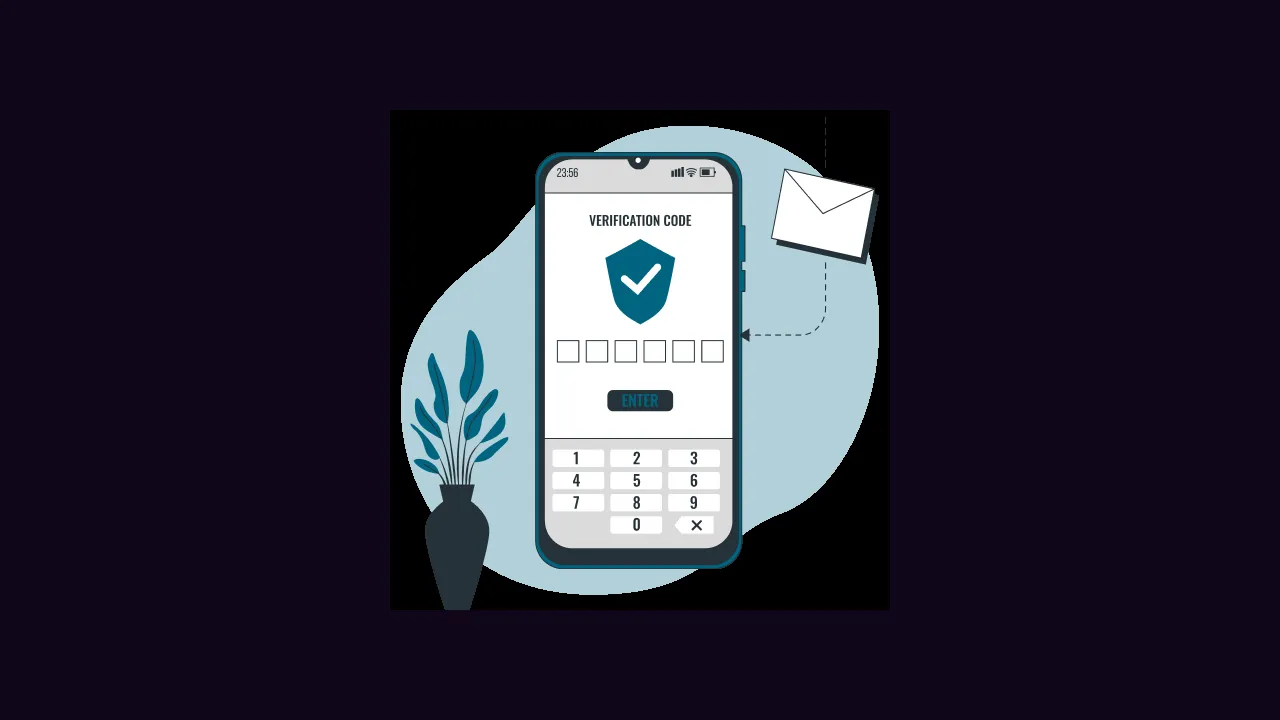
Open Eleph TV, tap Profile on the home screen, then Register in the upper right corner. Choose email or phone, enter your details, tap Get Code, and enter the verification code you receive. Your free VIP trial starts from registration.
Do not confuse the registration verification code with the activation code. The first proves you own the email or number; the second unlocks the plan.
Redeem the Code
Go to Profile, then Personal Center, then Redeem Your Code, and open the Use Redeem Code page. Enter the sixteen digit activation code exactly, then tap Confirm. A single wrong character fails the whole code, so check it twice before confirming.
Buy a code only from a seller you trust, and keep the code private until you redeem it. A code that has already been used cannot be used twice.
After Redemption
Once the code confirms, the plan shows on the subscription page in the app. If it does not appear, close the app fully and reopen it before trying the code again, because a stale screen is the most common false alarm.
The registration companion is Eleph TV register, and the plans companion is Eleph TV subscription plans. The current file status is on the download page.